MURAL
A creative field recorder for iPhone and iPad.
Capture sound anywhere, shape it with studio-grade COLLAGE effects, cut it into loops, and keep every take organized. Everything runs on your phone.
In the field
Record · shape · play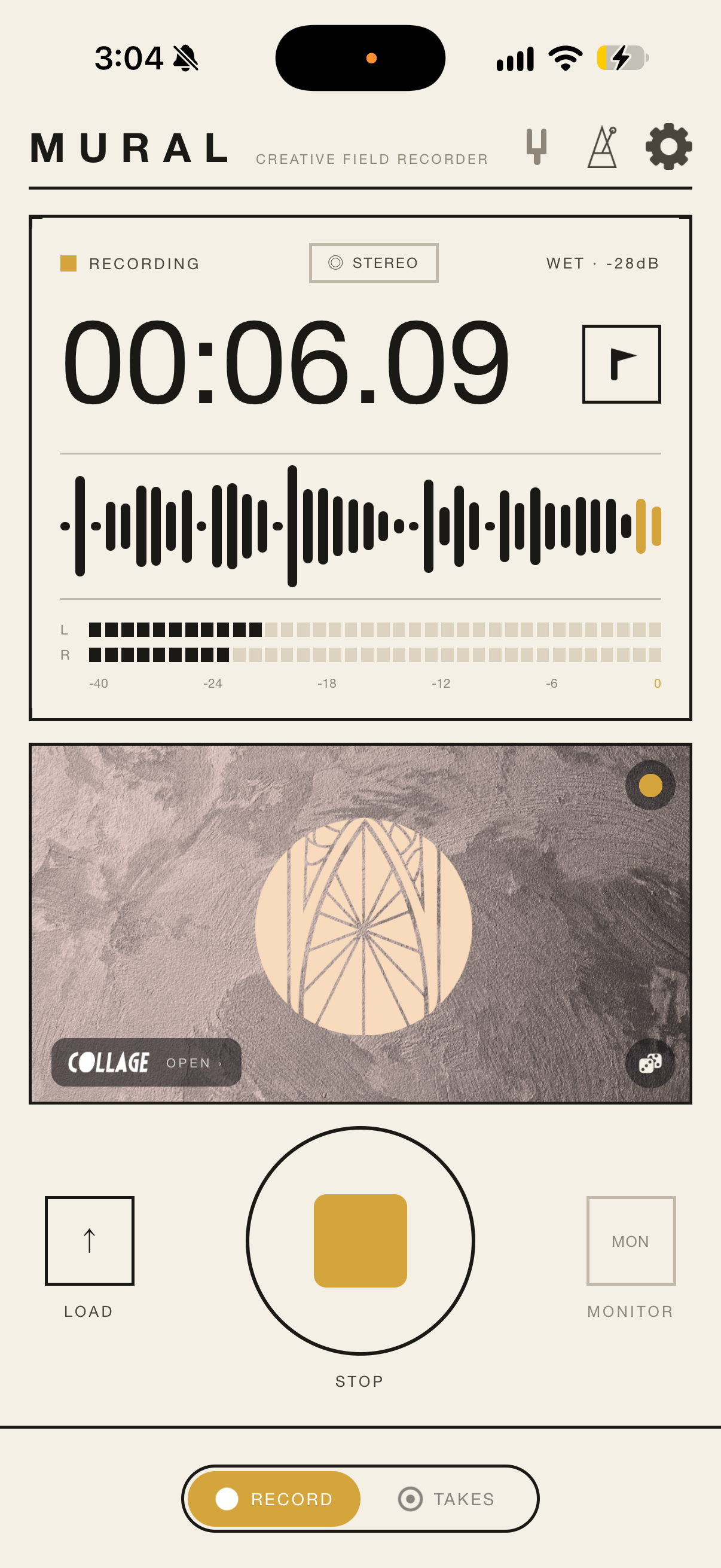
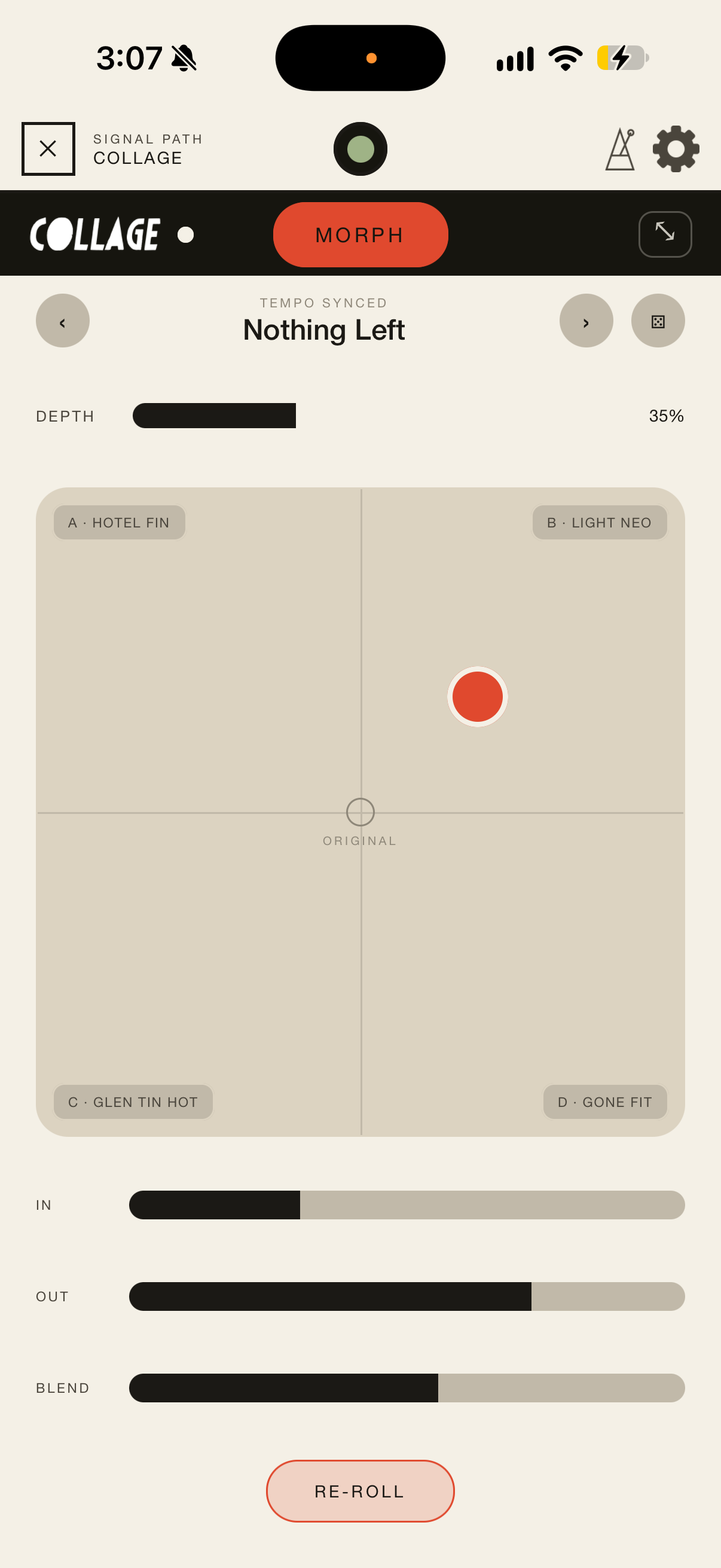
The same effects universe, in your pocket.
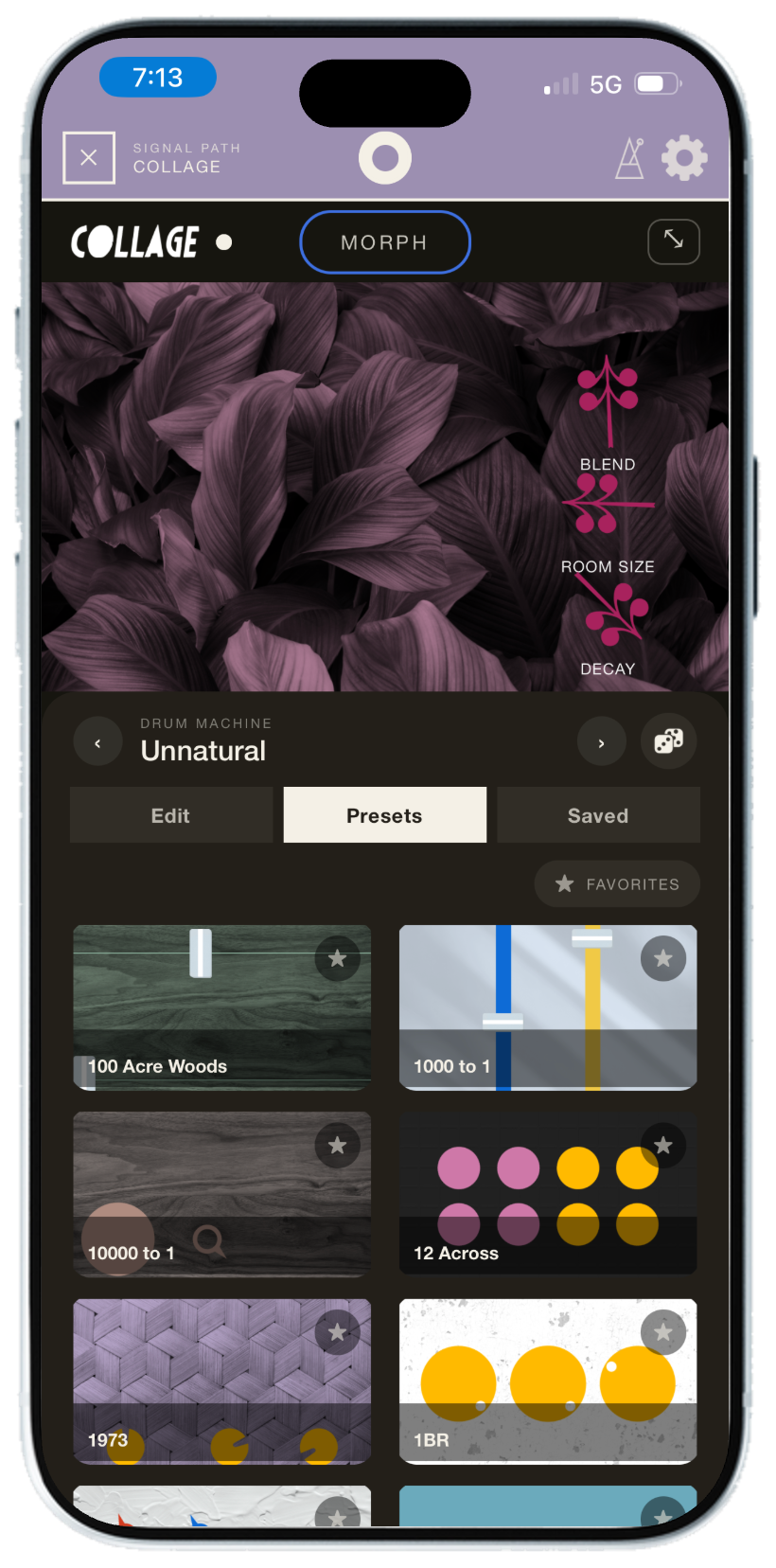
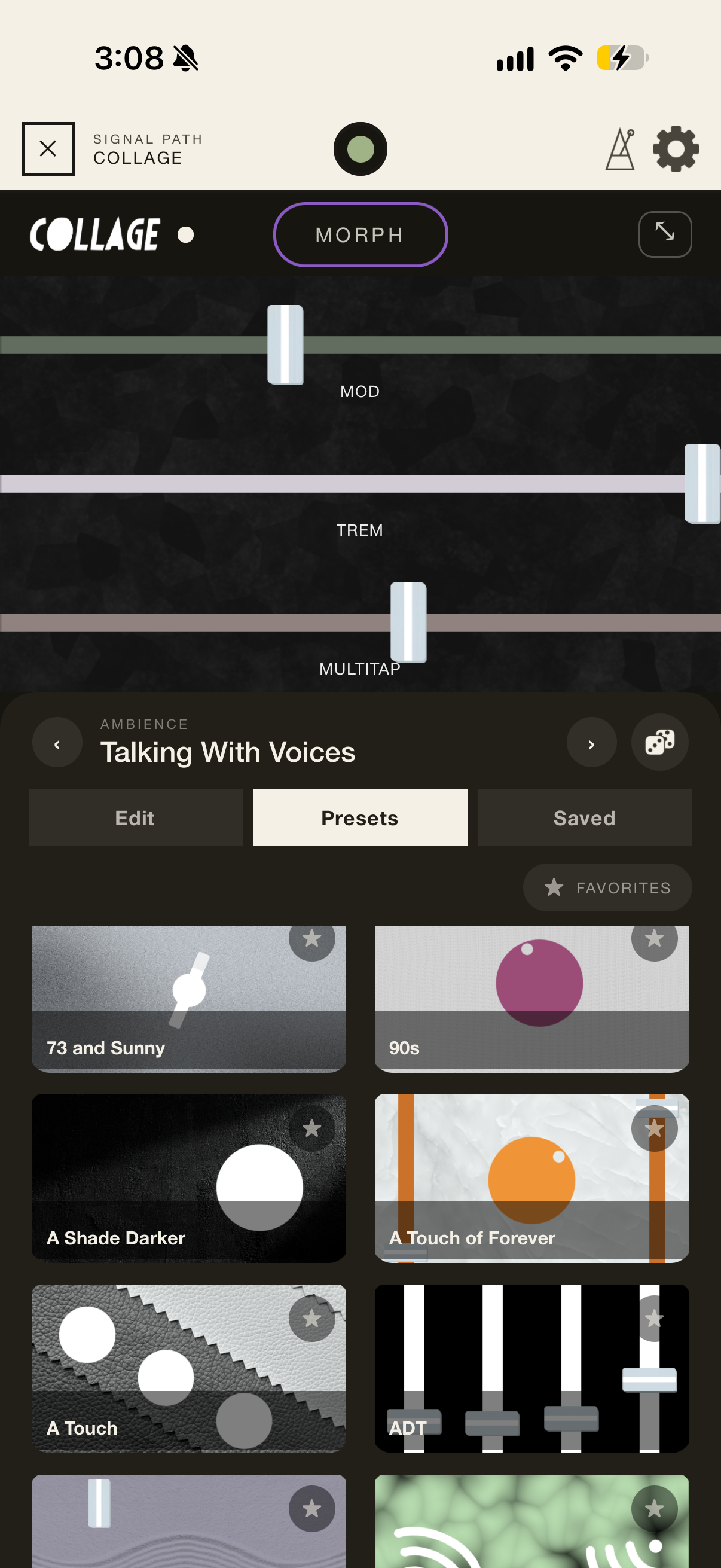
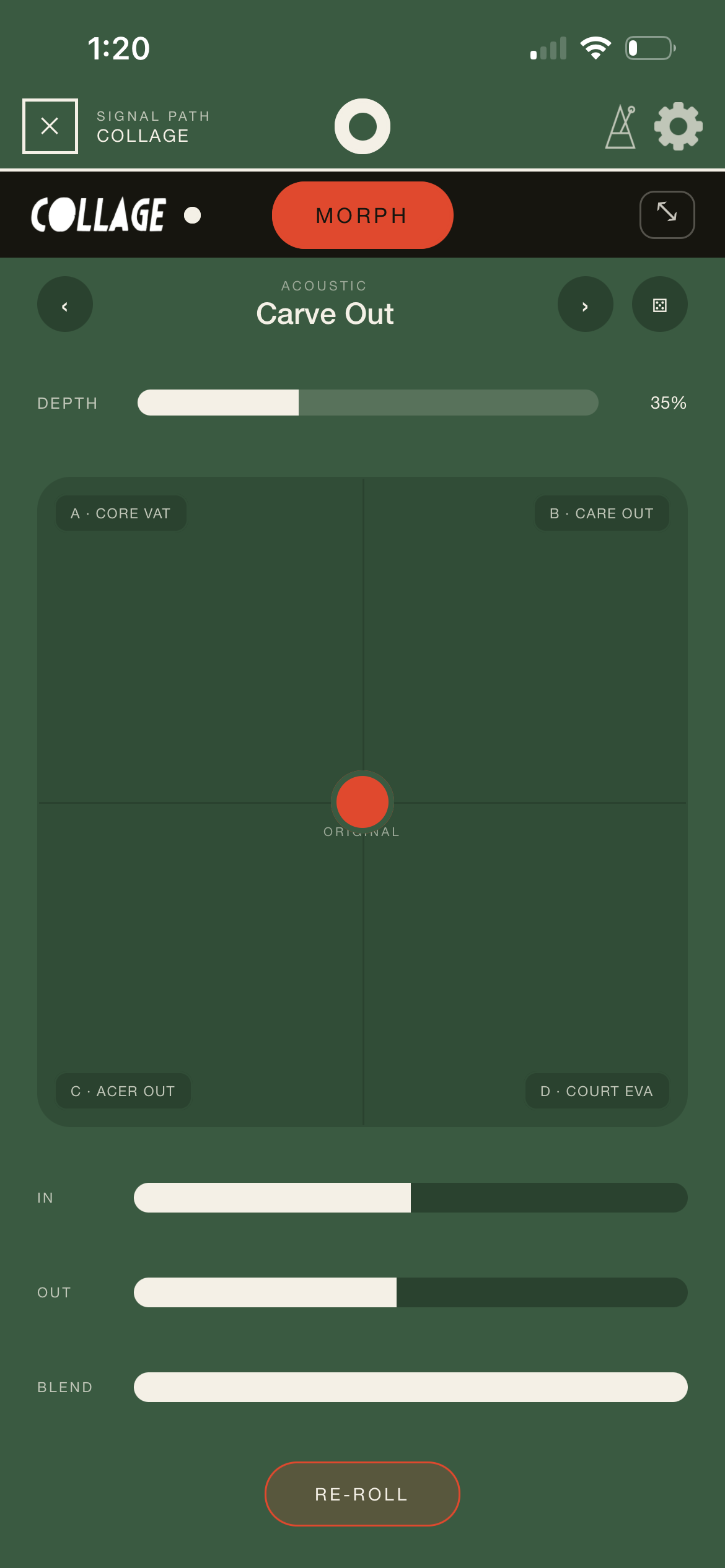
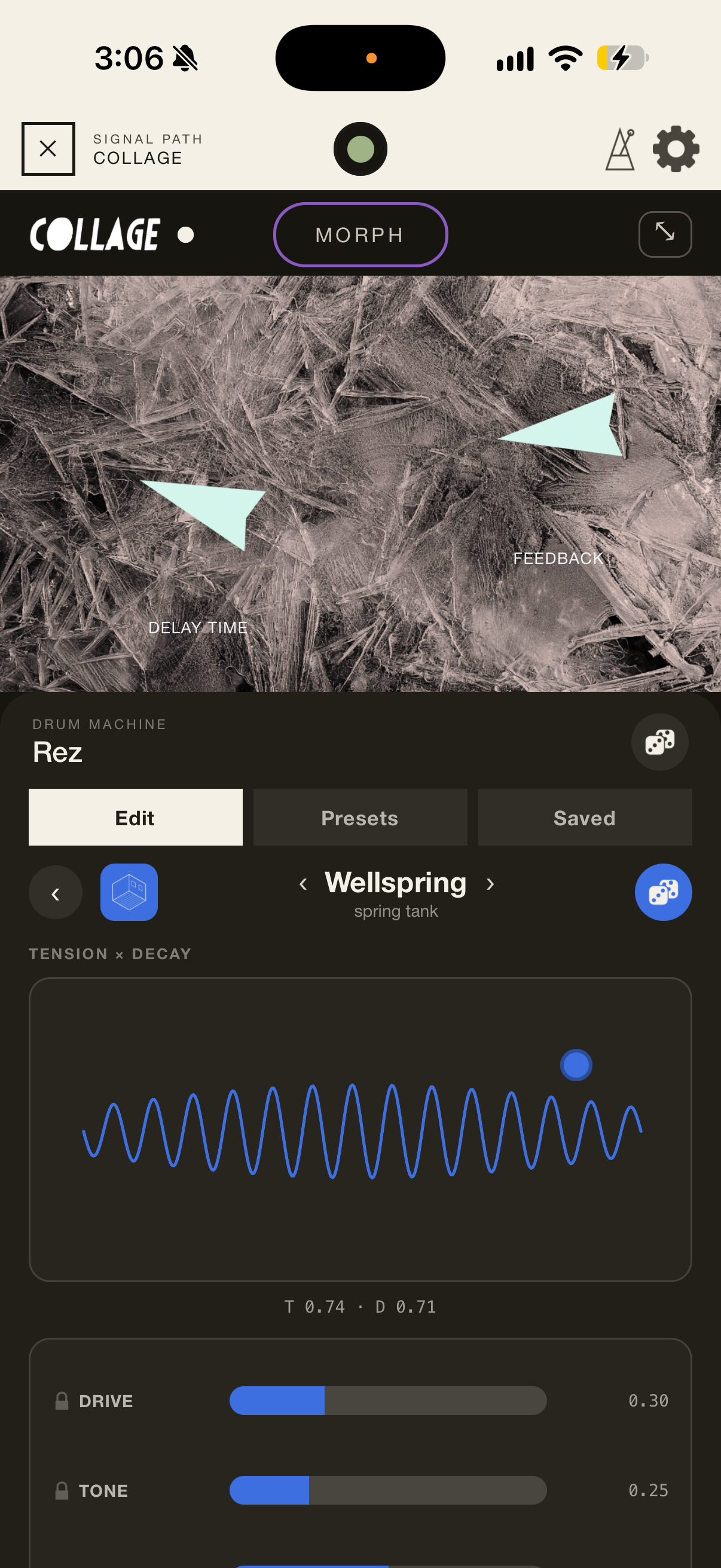
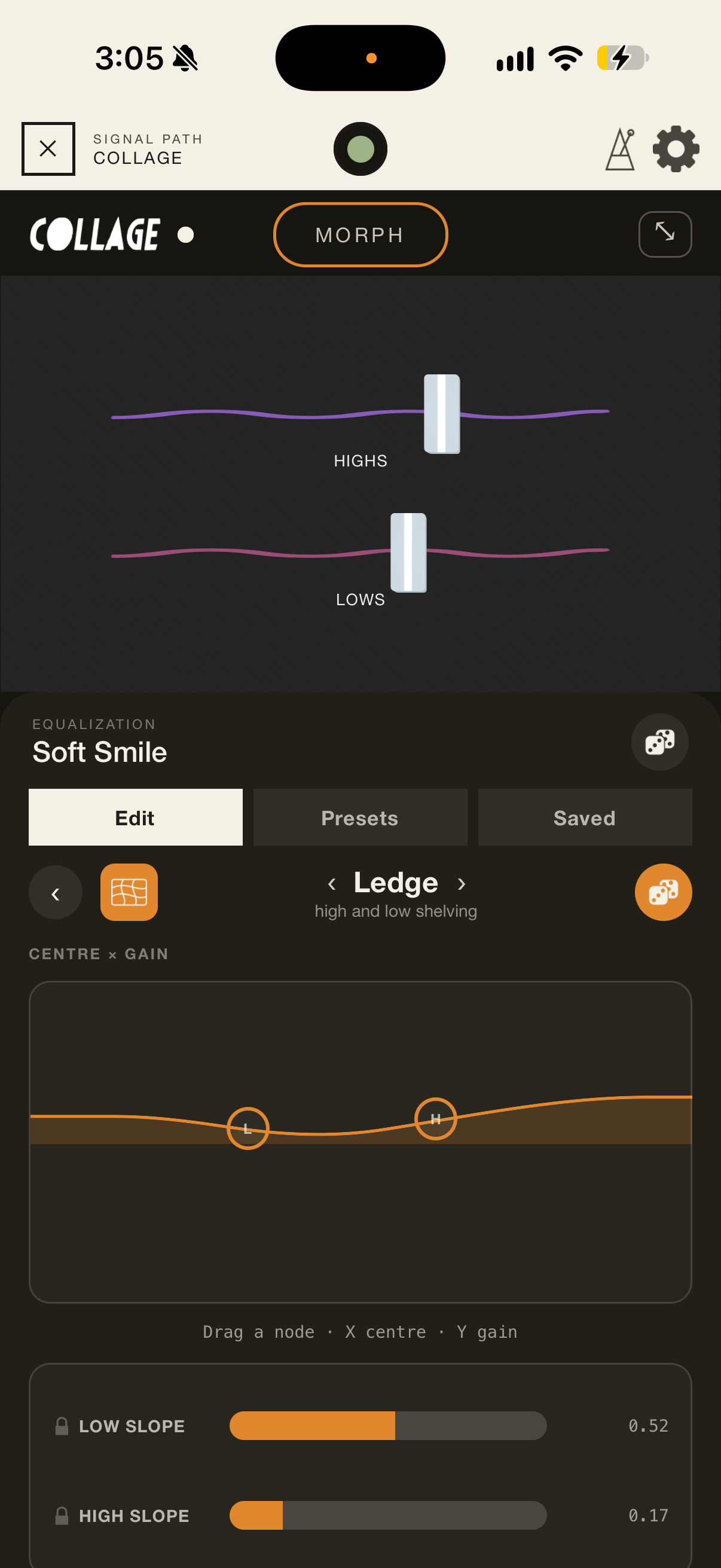
MURAL runs Collage presets and effect chains on the phone. Play the controls right on the Record page, browse over 1,500 presets, open the full rack, and process a field take the way you would in the studio.
What you capture in the field arrives ready to use in your session, and your rack comes with it: export it as a .kfx preset and open it in desktop Collage.
Features
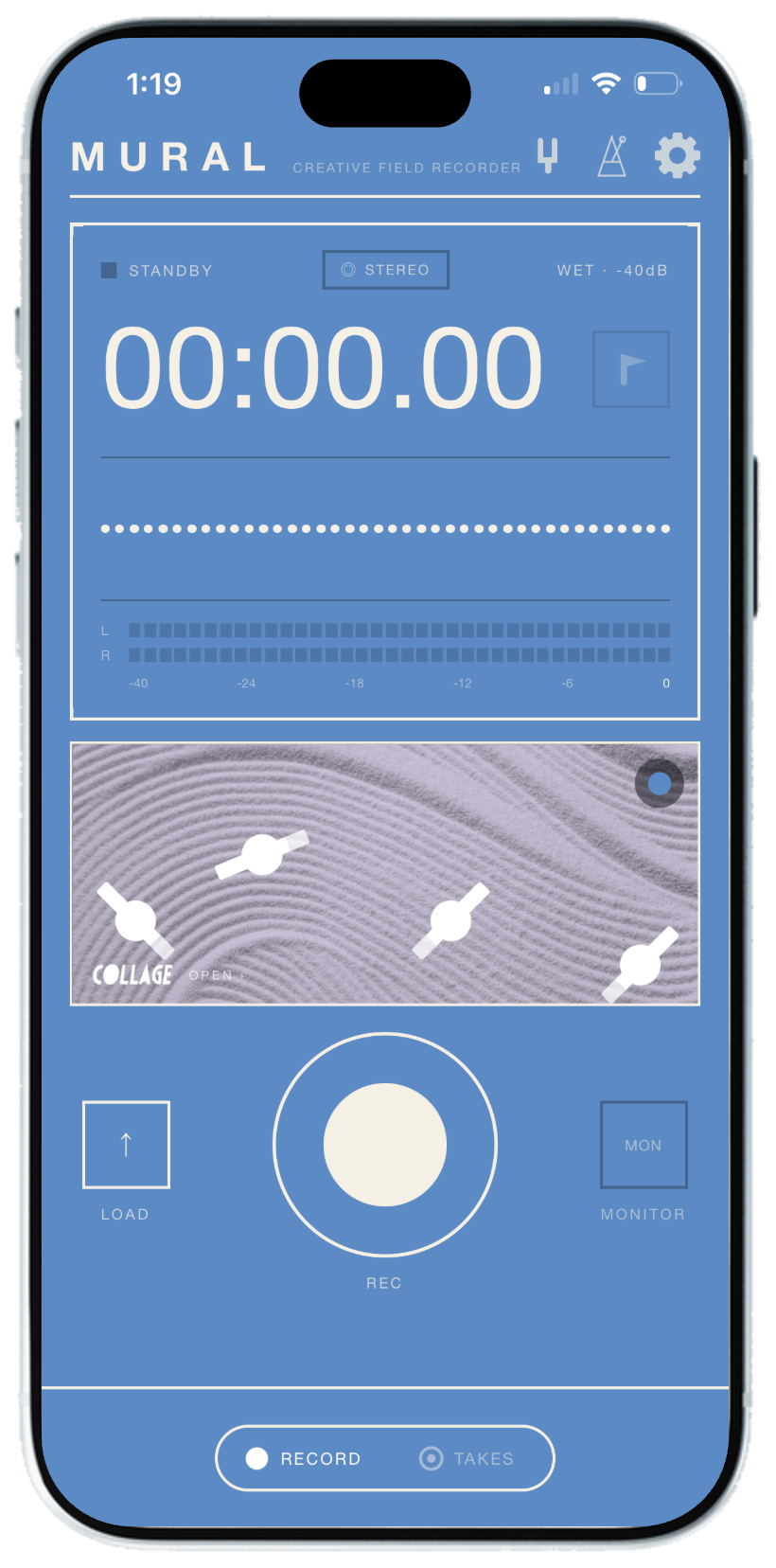
One tap, 16 or 24-bit at 44.1 or 48 kHz, through Collage or dry. A live meter before you press record, pause and resume within a take, and markers that travel inside exports. Keeps recording with the screen off and picks up again after calls.
A built-in metronome counts you in. With the click running, takes start on the downbeat and finish on the bar line, so loops land on the beat. The click is never recorded into the take.
Start a take from Control Center, the Action Button or the Lock Screen, without opening the app. A live card on the Lock Screen and in the Dynamic Island shows it running, and a Home Screen widget keeps your latest takes close.
The same DSP as desktop Collage: 12 effect modules with over 90 variants and over 1,500 presets, a drag-to-reorder signal path, the MORPH pad, parameter locks, and a dice that randomizes presets while keeping what you've locked.
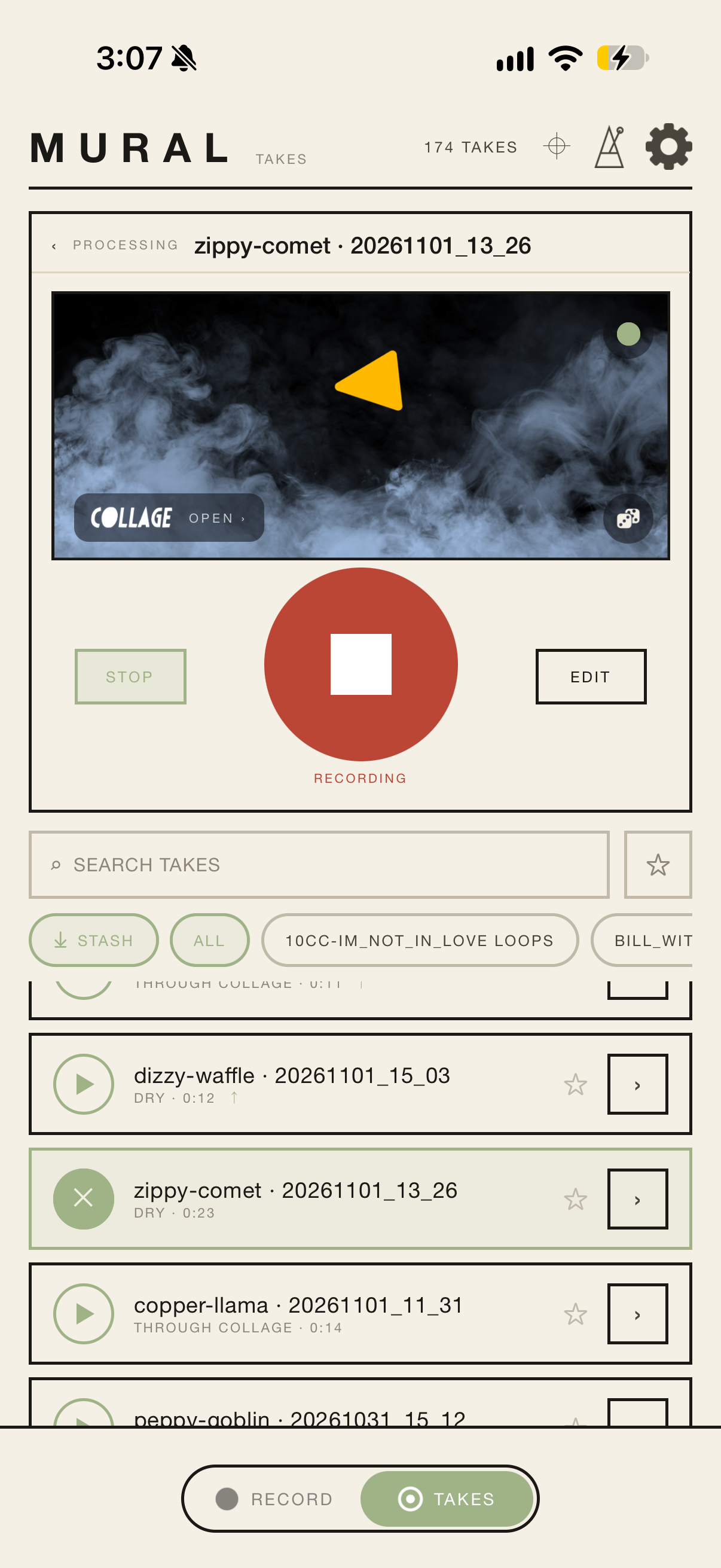
Trim with handles that snap to transients, pitch takes ±24 semitones in real time, slice into beat-detected loops, split a take into stems, clean up clicks, rumble and hum, and transcribe speech. All on the phone.
Loops become pads that switch exactly on the loop boundary, all running through Collage. Record the whole jam, hold a pad to edit it mid-groove, or overdub your voice or instrument on top of any take.
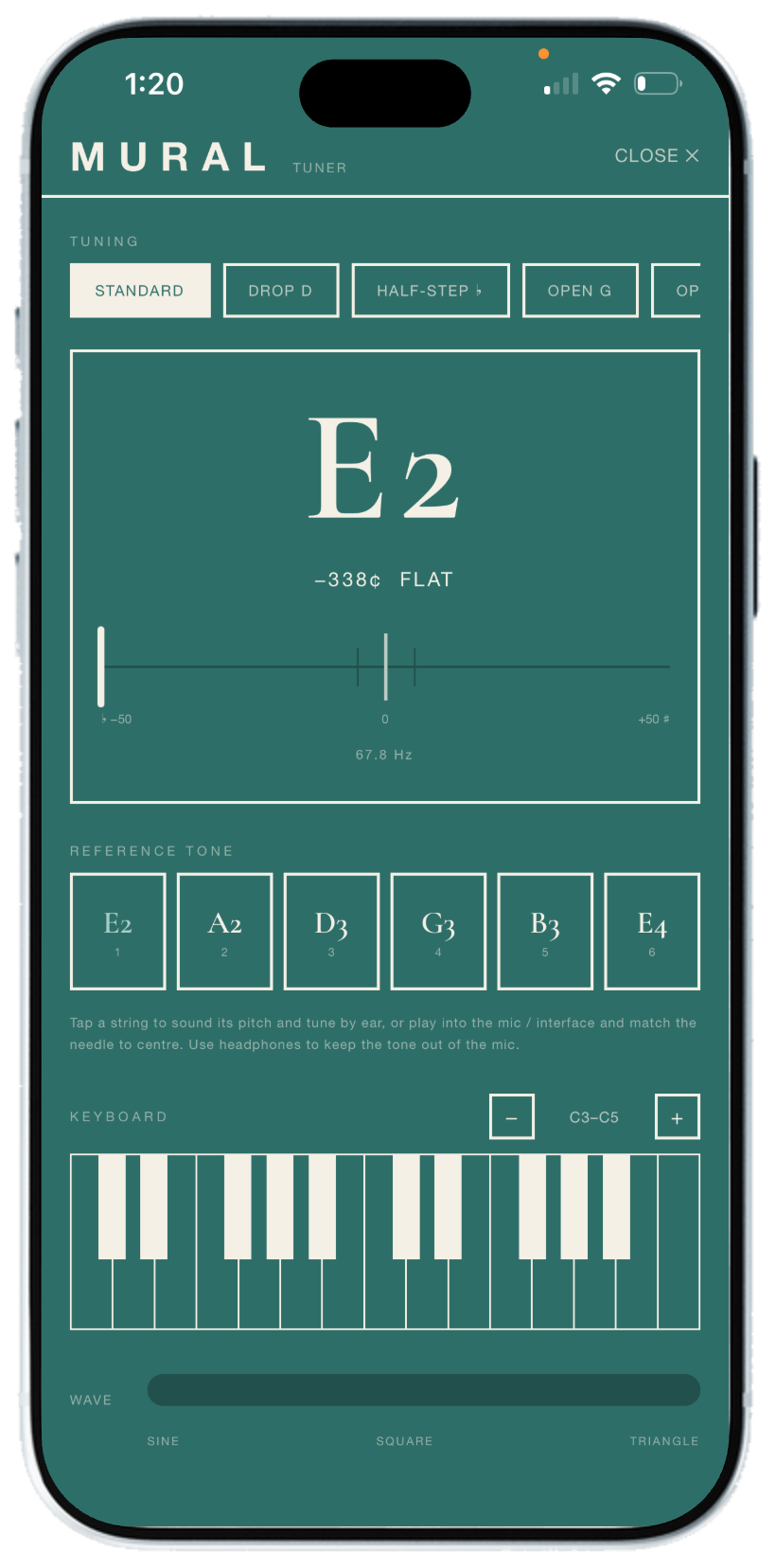
A loose inbox with one-tap stash, folders, search and a take map. A chromatic tuner with reference tones and a mini keyboard. Import audio, or the sound from any video. Auto-mirror to iCloud Drive, Dropbox or Google Drive, and .kfx export straight to desktop Collage.
No account, no ads, no tracking, and no server of our own. Stems, transcription and beat detection all run on the phone, and your recordings stay there until you choose to share or back them up.
Ten color themes, each with a light and a bold version. Full iPad layout. The complete manual is built into the app.
Free and full versions
Try it free, keep it forever.
Download MURAL free and use everything: the full Collage engine, the take editor, loops, stems, Loop Jam, the tuner and the cloud mirror. In the free version, each recording can be up to 1 minute long and importing files is turned off.
Unlock the full version with a one-time purchase of $5 for recordings of any length and importing audio and video. No subscription, and it's yours on every iPhone and iPad signed in to your Apple Account.
- Every effect, editing and loop tool
- Recordings up to 1 minute
- No importing
- Everything in Free
- Recordings of any length
- Import audio and video
FAQ
Is MURAL free?
MURAL is free to download and try, with no ads. The free version includes every effect and editing tool, and records takes up to 1 minute long and doesn't import files. A one-time purchase of $5 unlocks the full version, with recordings of any length and importing.
What happens when a free recording reaches 1 minute?
The take stops and is saved, ready to edit, loop and process like any other. Unlock the full version for recordings of any length.
Is it a subscription?
No. The full version is a one-time purchase. Buy it once and it's yours on every iPhone and iPad signed in to your Apple Account. Use Restore Purchases in Settings on a new device.
What do I need to run it?
An iPhone or iPad with iOS 16.4 or later. A few features need more: the Control Center button and the Home Screen widget need iOS 18, the Action Button is on iPhone 15 Pro and later, and spatial recording only appears on iPhones that support it.
Do I need desktop Collage?
No. MURAL has the Collage engine built in. If you do use Collage on your computer, you can export any rack from MURAL as a .kfx preset and open it there.
Does it work without internet?
Yes. Recording, effects, editing, loops, stems and clean-up all work offline. You only need a connection for the cloud mirror, the take map, and the one-time download of the speech-to-text model (about 60 MB) the first time you transcribe something.
Where are my recordings stored?
On your phone. You can turn on auto-mirror to copy every take to iCloud Drive, Dropbox or Google Drive, and you can export takes or whole folders at any time.
Can I start a recording without unlocking my phone?
Yes. Add the MURAL control to Control Center or your Lock Screen, or assign it to the Action Button. One press starts a take without opening the app, and a live card on the Lock Screen shows it running.
Will the metronome end up in my recordings?
No, the click is never recorded into the take. If you record on the phone's speaker, though, the microphone can hear it in the room, so use headphones for clean takes.
What can I import?
WAV, AIFF, CAF, MP3, M4A/AAC, Apple Lossless and FLAC files, Map Room packages, and the sound from videos (MOV, MP4 or M4V) in Photos or Files.
What can I export?
WAV, AIFF or M4A, with optional normalizing. M4A exports carry your markers and location. You can also export whole folders as a zip, and racks as .kfx presets.
Can I use an external microphone or audio interface?
Yes. MURAL records from whatever input your iPhone or iPad is using, including USB audio interfaces and external mics.
Is my location shared?
Only if you share it. With geotagging on, MURAL saves where each take was recorded, on your phone. That location goes with a take when you export it as M4A or mirror it, so turn geotagging off in Settings if you don't want that.
Is there a manual?
Yes, in the app under Settings → About → Manual, and on this site.
How do I get help?
Email inquiry@kalide.xyz or use the contact form.