
Catch
Catch the moment you already missed.
Catch keeps a rolling buffer of whatever it's listening to: always the last one to six minutes. When something good happens, one tap saves it. Nothing is saved as a file until you grab.
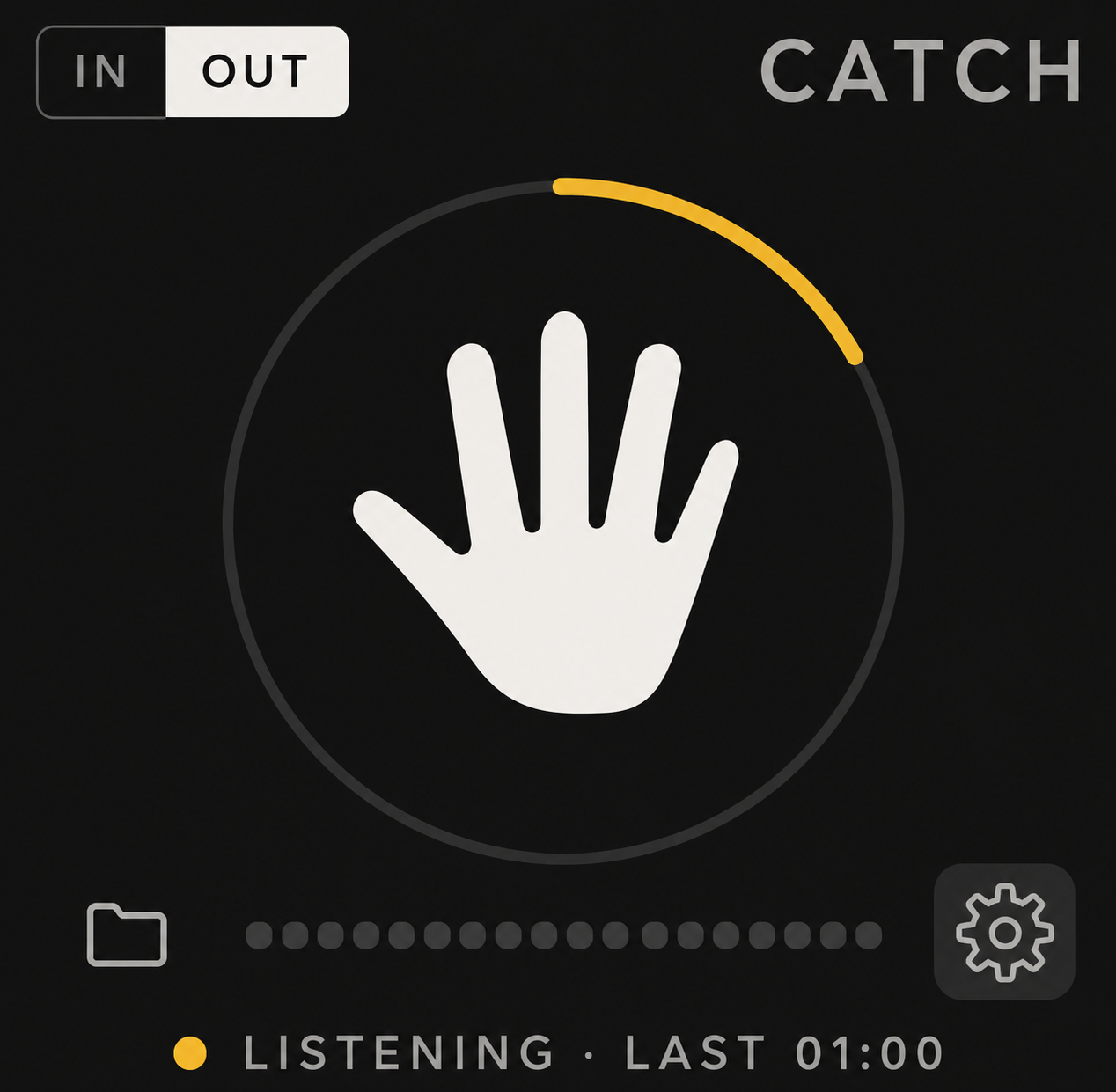
Always listening
A tape loop that never stops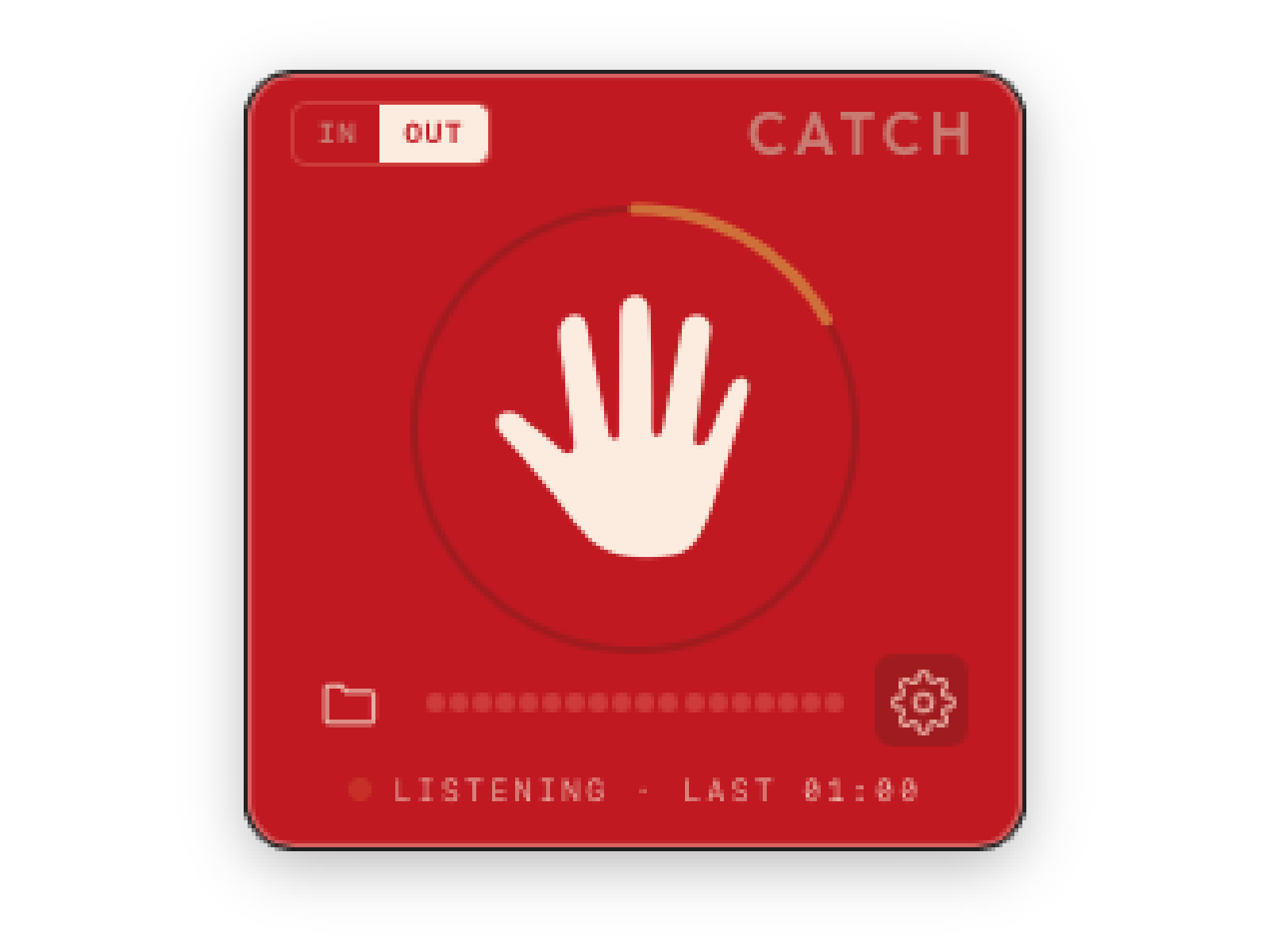
You never have to remember to press record.
From the moment you open it, Catch holds the last one to six minutes of audio in memory. Tap the hand, or press ⌥⌘G from anywhere, and it saves the buffer up to the second you tapped.
Catch lives in a small window that floats above everything: one click away, never in the way.
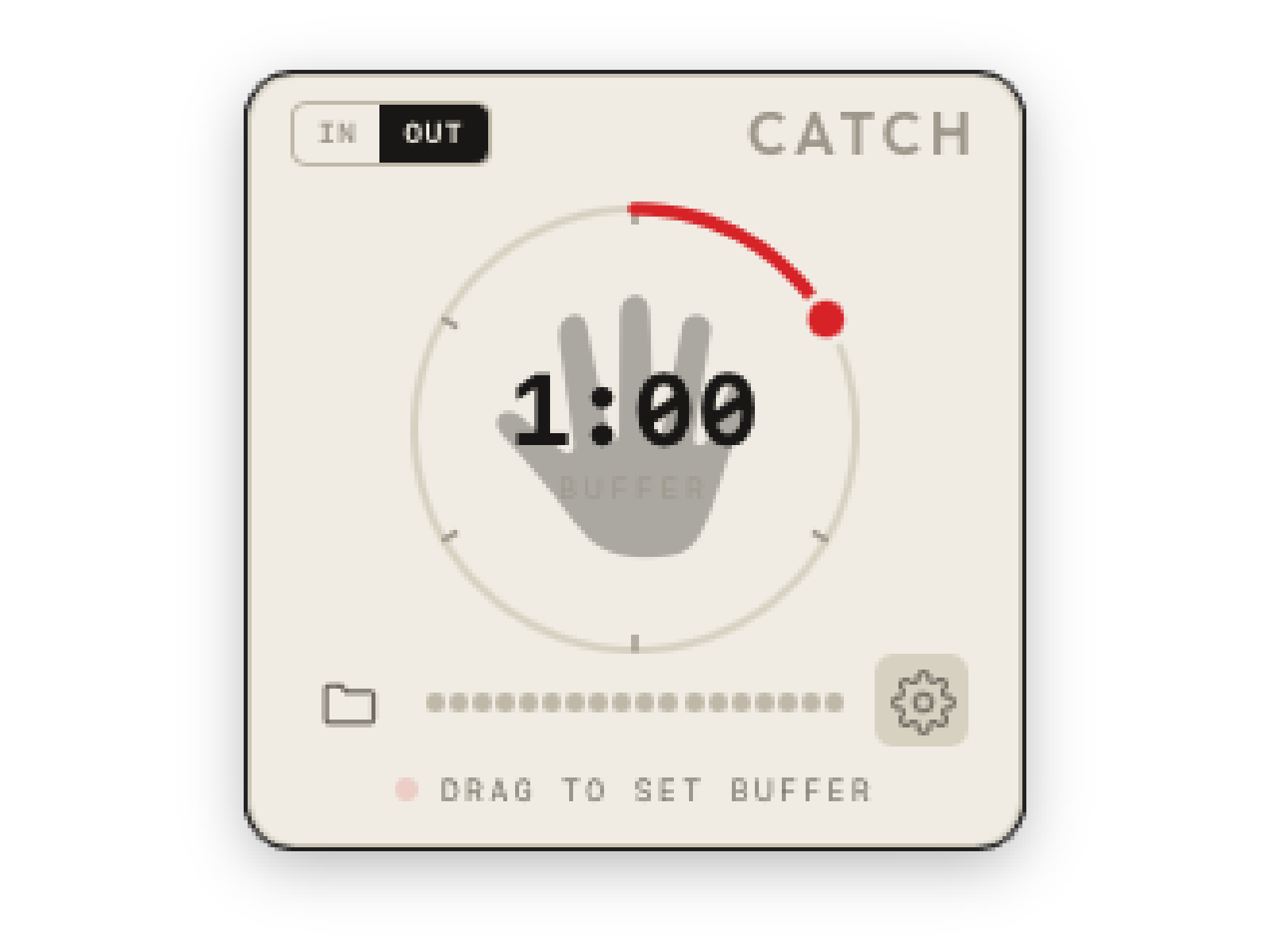
Your interface, your system, or a single app.
Input: any interface or mic on your Mac. Pick the device and the channels.
System output: everything you hear, with no cables (macOS 14.2 or later).
A single app: just your DAW, your web browser or a video game (macOS 14.2 or later). If it isn't playing yet, Catch waits and starts the moment it does.
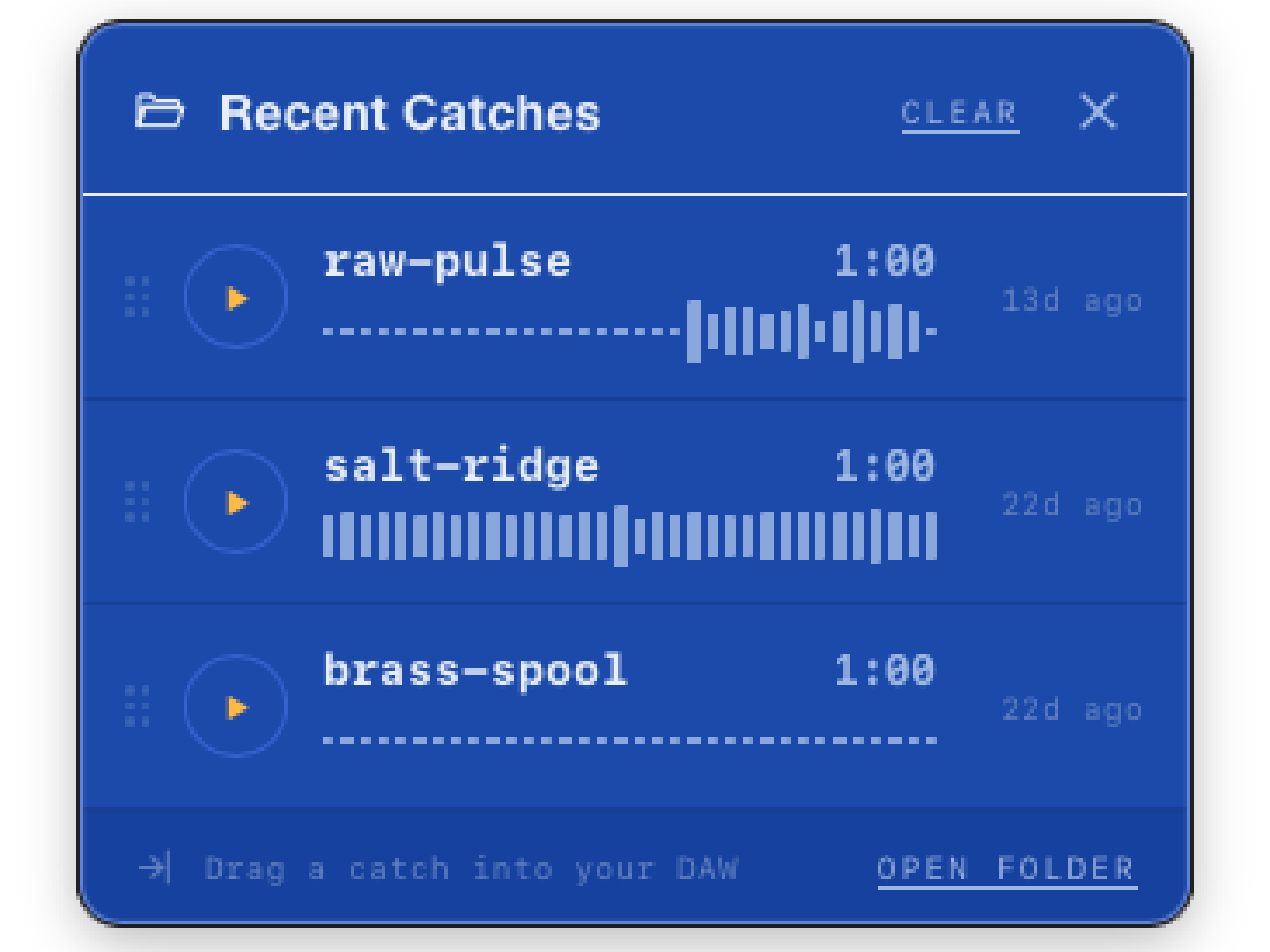
Play it, name it, drag it onto a track.
Every catch lands in a list docked to the window: scrub the waveform, rename it, reveal the file, or drag it straight into Ableton, Logic, or Pro Tools.
Catch names every take with a two-word phrase, so nothing is ever "Untitled 3". Pick from four word sets: Atmospheric, Playful, Studio or Cosmic.
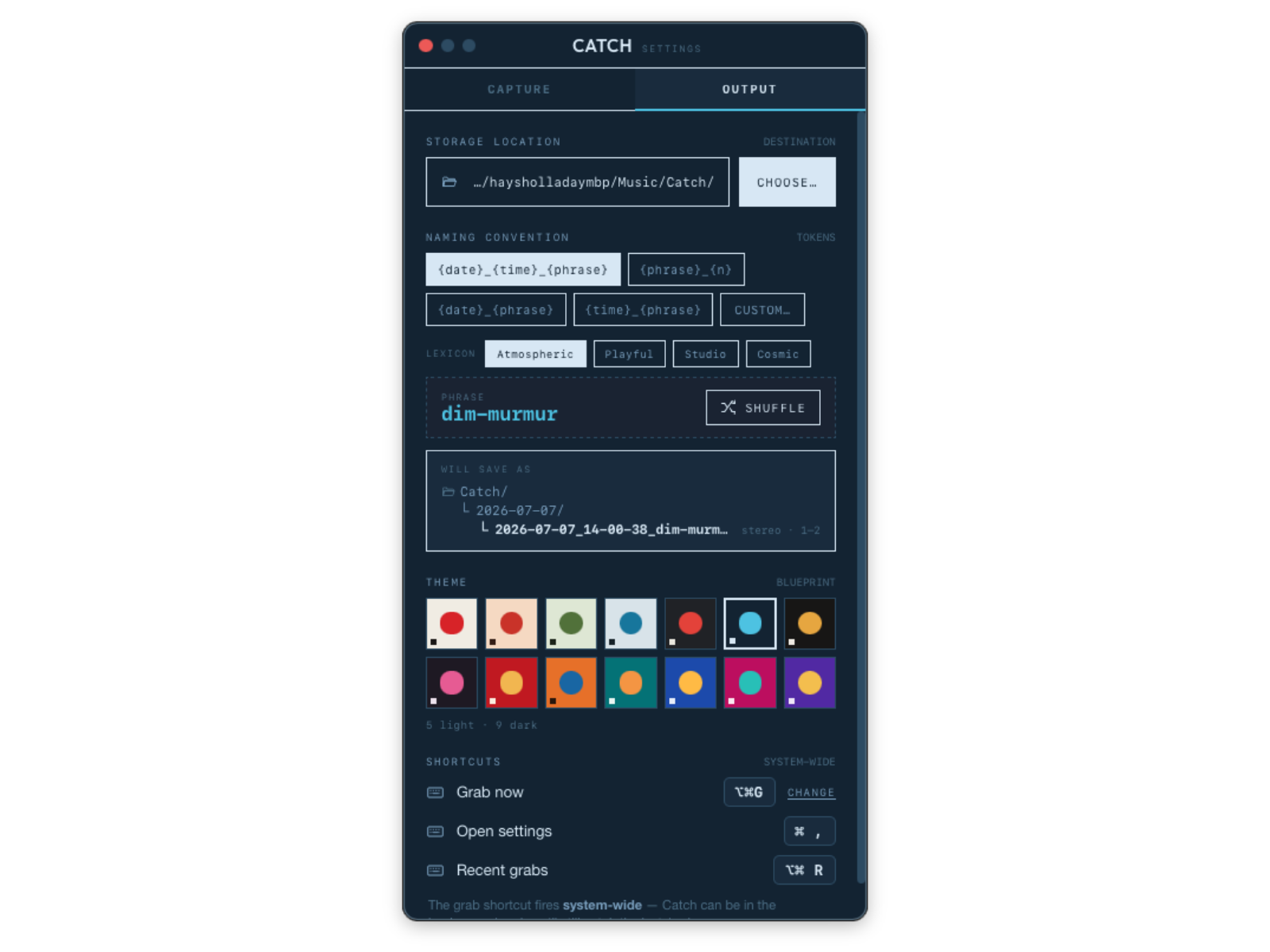
Ten tasteful color palettes.
Save as WAV or AIFF (16, 24 or 32-bit), FLAC (16 or 24-bit) or M4A (AAC, 256 or 320 kbps). Auto-normalize sets every catch to the same peak level, and catches are filed into dated folders.
Every window follows your color: ten of them, each in Bold or Soft.
Price and license
One license covers three Macs. Try every feature free for 14 days. After the trial, Catch keeps working in demo mode: every catch you save has two seconds of silence every 45 seconds until you activate. Activation happens in your browser, so there’s no key to copy. Catch works offline and checks in at most once a day.
Questions
What is Catch?
A small floating window that always keeps the last 1 to 6 minutes of your Mac’s audio. Tap the hand, or press ⌥⌘G from anywhere, and that audio is saved as a file.
Is it recording all the time?
It’s listening all the time, but it only makes a file when you grab. Until then the audio sits in memory and is replaced as new sound comes in.
What can it capture?
Any audio interface or microphone (you pick the channels), everything your Mac plays, or one app such as Spotify or your DAW. System and single-app capture need macOS 14.2 or later.
Which Macs does it run on?
macOS 13 or later, on Apple silicon and Intel.
How far back can it reach?
1 to 6 minutes; the default is 5. Set it in Settings, or hold ⌥ or ⌘ over the window and turn the dial.
Which formats can it save?
WAV or AIFF at 16, 24 or 32-bit, FLAC at 16 or 24-bit, or M4A (AAC) at 256 or 320 kbps. Catch records at your interface’s sample rate and never changes your hardware.
Mono, stereo or multichannel?
From an interface: stereo pairs, one mono file per input, or one multichannel file. System and app capture save one stereo file.
Where do catches go, and how are they named?
Into ~/Music/Catch, in a folder for each day. Each one gets a two-word name, like 2026-10-24_14-03-22_amber-tide.wav. You can change the folder and the naming pattern, and rename any catch in Recent.
What does Auto-normalize do?
It sets each saved catch to the same peak level (-1 dBFS by default). It’s on by default because system audio arrives quiet.
Can I drag catches into my DAW?
Yes. Drag a row from Recent Catches into Ableton Live, Logic or Pro Tools, or open it in Lasso.
Do previews end up in my captures?
In System Output mode, yes: Catch hears everything your Mac plays, including its own previews.
How much is it?
$10, once. One license covers 3 Macs.
Is there a trial?
Yes: 14 days with every feature. Start it from the activation page in your browser.
What happens when the trial ends?
Catch keeps working in demo mode. Every catch you save has 2 seconds of silence every 45 seconds until you activate. Catches saved while licensed are never changed.
How do I activate? Is there a key?
There’s no key. Click “activate in browser” in Settings, sign in on Kalide’s page and pick your license. Catch notices within seconds.
Does it work offline?
Yes. Catch checks your license at most once a day and keeps working offline for 28 days.
I’m moving to a new Mac.
Click “deactivate” on the old Mac, or remove it at kalide.moonbase.sh, then activate on the new one.
I bought Catch 1.0 with a license key.
Catch now activates in the browser, so the old key won’t work. Activate once on the new page and write to inquiry@kalide.xyz for your coupon.
Does Catch send my audio anywhere?
Never. Catch goes online only to check your license and, at most once a day, to look for an update. There are no analytics.
What does activation send?
Your computer’s name, an anonymous hardware id, the Catch version and that it’s a Mac.
How do updates work?
Catch looks for an update when it opens, at most once a day, and tells you. Install it from Settings, Capture tab, Updates, then quit and reopen. Nothing installs on its own.
Something sounded wrong. How do I report it?
Email inquiry@kalide.xyz and attach the log from ~/Library/Logs/Catch/catch.log.
Support: inquiry@kalide.xyz.
Read the manual